Typing in powershell? How a about a bing search of Windows Power Settings? Not even the settings menu, just the fucking web search.
deleted by creator
On first glace I thought I’d be looking at the UI of a streaming service. This is so awful
Powertoys and that debloating scripts does wonders to make w11 usable.
Problem that powertoys are becoming bloated too. Before switching my 8gb RAM laptop to Linux, it was constantly swapping memory. I investigated and it was powertoys slowly eating everything. The two almost identical launchers, 300mb each. The eyedropper that you gonna use once a month 200mb, the help that comes out when you long press the windows key, another 80mb. Same for the screen ruler. Then the accent helper, and so on. My 8gb laptop only had 1 GB free Memory After a clean boot
AFAIK there was a memory leak in PowerToys. But it’s definitely ballooned in scope since it was first released. I suppose turning off the parts you don’t need would help but it really should still be more efficient. Doesn’t help that the Microsoft Department of AI Department seems to have started sinking its teeth into it as of the last few updates.
The last time I used the power toys was on W10 but can’t you choose which components you install? Surely you can disable the autostart for the ones you are not using?
Isn’t that the entire point of swap? If you’re only gonna access that memory once a month what’s wrong with it swapping to disk but becoming ready within seconds when you go to use it?
Dude, Windows swaps like it’s its job.
The job of swap is to be used after the RAM is full or is about to be full. It’s not to be used instead of the RAM.
I bet SSDs were a huge freaking performance boost for Windows generally speaking because of the way it swaps.
That’s not true. Linux by default also moves stuff to swap way earlier. Swap is not just a fallback when you run out of RAM. That is why I think Zram is the best. My system can swap as much as it wants to.
I’m currently dealing with an issue where on freshly installed Mint, after some time of me being away from the machine, the entire system and apps seem to have moved to the swap, which is on an hdd — so things slow down to a crawl and it takes like ten minutes to shake them back to life.
Edit: after some more troubleshooting, I’m not sure swap is the issue, but it’s still likely.
My Linux systems are all pretty RAM rich and almost never even touch swap.
That’s cool, but I’m more concerned as to why this happens while I’m away, when there’s no need for everything getting swapped while I’m at the machine.
Cries in ready boost
Yes but when it’s too much… The poor SSD in my 8gb laptop was constantly at 65°C because of all the activity. And it seems without reason. I would hear the warning sounds from crystaldiskinfo when “idle” in another room
Lol, I remember power toys from freaking tucows.com (it used to be a software repository of sorts) in the nineties.
Windows and power toys, two relics from the ICQ age.
Man, I think I still had an active Fark account more recently than I visited tucows but I remember it.
so much “user friendly”
KDE’s Plasma Desktop has a web search plugin that I use all the time. Typing the Win (Super) key followed by
wp:Sistine Chapeland then the Enter key brings me straight to the Wikipedia entry on the Sistine Chapel.imdb:Jurassic Parkbrings me to the IMDb page for Jurassic Park.yt:will search YouTube, and so on. There are around 200 keywords pre-programmed into it, including for searching programming language documentation. Unlike the Windows feature displayed here, it doesn’t use the network unless you specify a prefix and it accesses only the service you specify by the keyword. Whoever added this feature had to do so very little work compared to the payoff. It just takes the part after the colon and inserts it into a search URL for the corresponding service and opens that URL in the browser. It’s very convenient. None of this web search stuff comes up when you’re just searching for apps and there are no surprises.Yes but this doesn’t generate ad revenue!
/S
Even macos spotlight knows to prioritize system apps over web searches and such. Iirc it’s like if the query exists as a system app that will be the top result, if two system apps share the query the most recent result selected will win (eg typed “ter” and last used terminal that will be the autocomplete and top choice but if you also have an app called like terminex or something you can down key to it), and web results are only if queries have no match in the spotlight db for files, contacts, etc (which would be in the match list after system apps. I don’t know what the hierarchy is but there is one iirc). So if you type in “phantom menace” and have no apps, files, contacts, etc matching that it’ll prompt to query google.
What you describe is far greater in functionality (and of course spotlight doesnt have plugin support, though it can be outright replaced at least (for now)) but it’s absolutely insane microsoft is going this way with ad nonsense. It’s just disrespectful and greedy. Who is even left using desktop OS anymore? It’s like power users and office workers. The power users are gonna switch to linux or m series macbooks (which doesn’t rule out linux). So is this just a play to get the administrative assistants and other office drones of the world to become a captive audience they can sell?
deleted by creator
KRunner is awesome
at least you get something, on my work computer, i get an empty window when i search

i have a couple of QR codes with “qr” in the file name… guess im not allowed to use 'em anymore

if you’re searching for files on windows, Everything is the tool you need
Is it as good as Google desktop was?
I have never heard about Google desktop before
It’s an older code but it checks out
As a software dev I wonder how does this even happen?
- The movie snippet somehow has bigger weight for ordering - why would that ever be preferred?
- The ordering is random?
- The movie snippet is faster than App and Folder snippets?
It’s incredible how incompetent Microsoft is.
The bigger weight is anything that MS can sell for ad revenue.
but in this example clearly Wikipedia and probably IMDB are not paying them right? Or is it their attempt to disguise selling out by always preferring the buyable option even when it’s at 0$?
IMDB might be, they’re covered in trackers and ads. MS is a donor to Wikipedia (via Microsoft Matching Gifts Program) so they’re getting what they paid for.
but IMDB is owned by direct Microsoft competitor - Amazon.
They’re not really competitors across both enterprises. If they were then you’d need some conspiracy theory-level mental gymnastics for things like:
https://aws.amazon.com/windows/products/
And finally
https://advertising.amazon.com/library/news/microsoft-amazon-dsp-partnership
This isn’t Coke vs. Pepsi for computer boops. This is about ad revenue! They can partner up to cut Google out of the mix!
So they ruin their own product for what? For traffic to their billionaire buddy?
…are you serious? I know this is Linux Memes, but have you ever used Windows 11? MS has been ruining their own products for years. 1/3 of their janky code is LLMs constantly causing problems.
Even without any nefarious motives, they just do dumb stuff like that. I have Clone Hero installed. Whenever I press Super/Windows and I start typing ‘clon’, the FIRST thing that comes up is ‘Control Panel’, Clone Hero being the second guess.
So whenever I want to quickly start the game, I type ‘clon’, press enter, then get annoyed by the lack of Clone Hero and an unwelcome Control Panel window.
Outside the quite small bubble of nerds that is Lemmy and software developers/admins in general a random person is more likely to want the movie than the terminal app.
deleted by creator
True. Most people nowadays would panic if they accidentally opened a terminal. It’s a scary thing that hackers use on tv.
Highly doubt that
I have never seen a person who uses Windows search instead of a browser to search the web, and I doubt anyone actually does. Even the people you mentioned.
Theyve been rolling out intellisense for the terminal in Vscode, it’s completely breaking tab complete for me.
does VSCodium (libre demicrosofted vscode fork) also have this? if not you could switch
or use a different editor (i use neovim btw)
I always dug into RegEdit to disable this crap. And somehow, each time, it was a different series of steps.
To play devil’s advocate, only people unfamiliar with Windows would look for a terminal that way.
I disagree. Being able to slap the windows key and type the name of the program I’m looking for is one of my favorite features of both Gnome and KDE and I wish Windows worked similarly.
deleted by creator
Both Gnome and KDE also include a web search. And just like on Linux, you can disable it in Windows Settings.
Both Gnome and KDE also include a web search.
Is it on be default? Because if so I’m glad I don’t use that garbage.
On KDE, it’s just one of the suggestions, I believe, that you could search this term on the web. If you trigger that suggestion, it then opens the web browser to do the search.
As such, searching “terminal” wouldn’t yield a suggestion from a web result that matches, but I’m pretty sure applications are prioritized above other results either way.
That’s good to hear. It continuously amazes me how often search bars in some pieces of software manage to be worse than ctrl-f in a plaintext document.
yes but your distro may have it disabled in their default.
I don’t think that’s a standard inclusion, because it’s not there on my fairly standard Debian install.
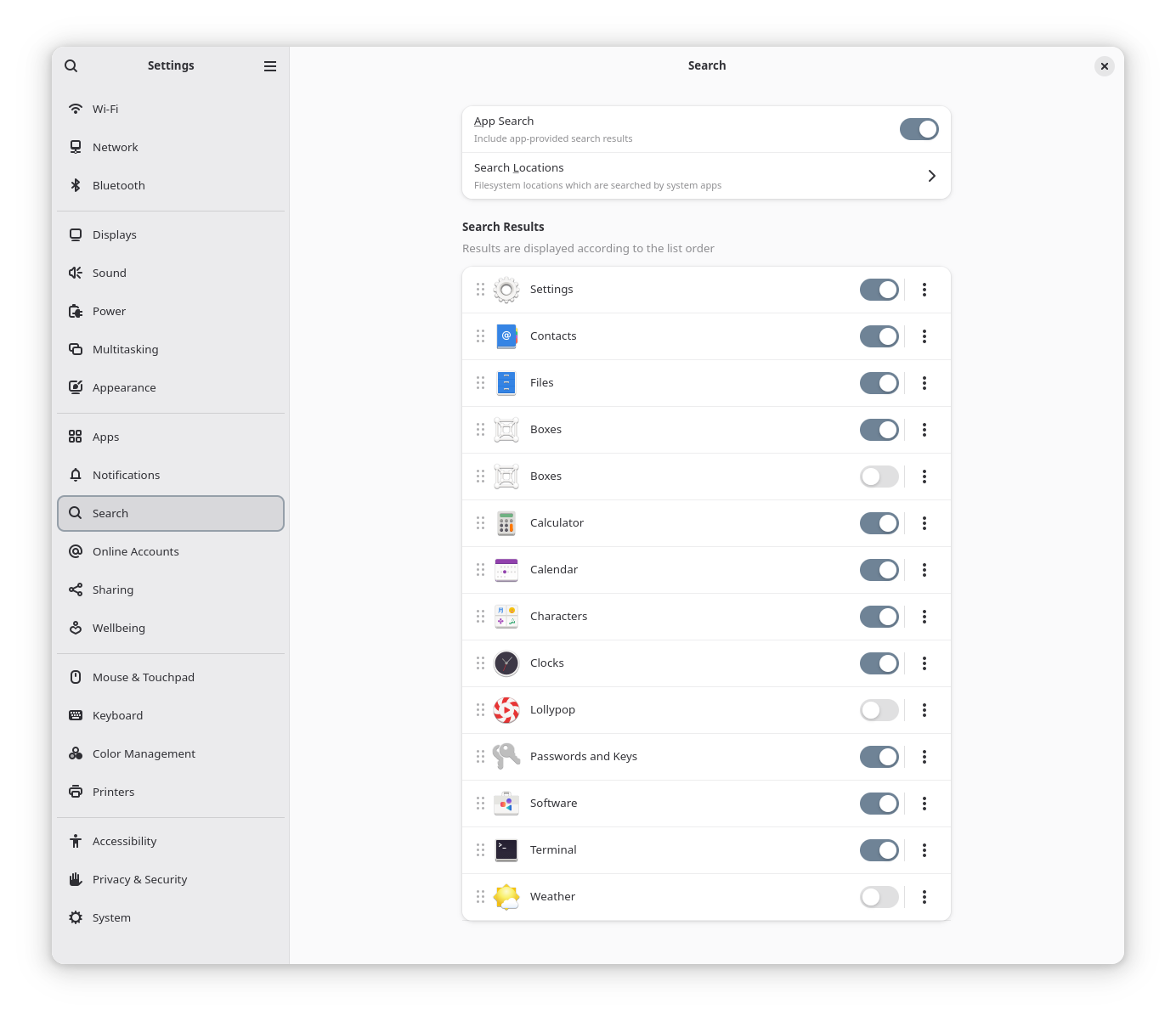
It does… (Or did I’ve not used 25H2). But given the app starts with a w you can see the issue.
In gnome you can search for any word of a program name and it will appear in the search result
In KDE I type in “tor” and “factorio” appears above “tor browser”
It shows up as “Terminal” in the search results, so I imagine that’s what it matches against, even if it is colloquially referred to as “Windows Terminal”…
Windows has a alias system so for example memo shows notepad.
In KDE, you don’t even need to click the start button, you can literally just start typing and krunner will pick it up
Am I the only person that still types “command” in the search? It’s windows who is typing “terminal”?
Yes I know it’s a terminal, but it’s never been called that AFAIK. It’s always been the command prompt.
The newest windows terminal is called “terminal”.
I used to type “cwd”, but after installing terminal, I type “terminal”. Probably same situation for OP.
chronic wasting disease does seem appropriate for windows
My M turned upside down. I’m leaving it like this
Not long now until you see this:
Best Match

Today I typed “power” for powershell and I got this : https://www.imdb.com/fr/title/tt3281796/
I type “CMD” or “power”
CMD

power

We Just Can’t Win
wtf. 😂
Power gives you the power series, LOL
Damn it.
ctrl+r “cmd” return
for me
Adding websearch to the start bar’s search was solving a problem that didn’t exist. If I want to search the web, I can use a web browser to do it. I feel like it was added to try to make up for how bad the search used to be (and still is? I just never really had a habit of using it because it was so unreliable and depended on other ways to figure out where things were), so that it would give something, plus MS really wanted bing to be a thing.
I recently switched to KDE and their main search bar also includes web search. I haven’t looked at the settings for it and expect there’s probably a way to disable that, but I didn’t feel great about seeing that there.
It’s like, I get the idea of saying “this user is searching for a program they don’t have, let’s link to it” but then they’re like “oh what if we searched for everything?” and then someone else is was like “And what if we put ads in to monetize it!” Then that last person probably got a bonus.
Its pumping up those Edge numbers!
Had to use a W11 machine last week and this was one of the 1st things that annoyed the shit out of me. On W10 you start typing an app name and press enter and it opens. What the fuck are they at changing that. And don’t get me started on Outlook or Windows explorer.
Fuck you Microsoft. I’m going to Linux as soon as possible
My main gripe with this travesty of a “Start menu” is that it isn’t the Tom Hanks movie of a similar name.
The other is that even if it were, it won’t just play, but rather send you to the shiniest new subscription service to subscribe.
Call me old fashioned, but to me a search in the computers task bar should be a search in LOCAL files only. If I want to find random shit from the Internet I would use a proper search engine. Right now, windows search is just rubbish for both local files and Internet content.
Use Everything! search for Windows. Literally one of the strongest points of NTFS is lightning fast indexing, using tools like Everything and WizTree. The only things I miss on Linux. Oh also AutoHotKey.
I just set the Everything window to appear on ALT+3 (I have found this to be a very useful shortcut because it’s rarely used by anything else and is easy to reach quickly)(some function keys also work well for it), you just type, it highlights, you press enter, you’re done. And so many sorting options.
Windows: has lightning fast native indexing with ntfs Also windows: implements worst out of the box GUI search tool possible
Windows: searches bing before ntfs
Everything is what I use for files
Windows search is what I use for applications
Debian or Gnome seem to have some kind of semi usable search in the gui. It can find files in multiple places by name, wildcard etc but I’m not sure what it can see. Everything is great on Win.
AutoKey is an alternative to AutoHotKey, from what I understand. Haven’t gotten around to it yet, but at least it uses a proper programming language instead of the abomination that is AutoHotKey’s scripting lang.
But nothing beats Hammerspoon which is the analogue for MacOS. Lua programming, sizeable library of OS integrations, built-in http server. Ah, what a beauty it is.
man locateHow common it is across distros I couldn’t tell you, but it’s been a staple on Mint for a good long while and ought to be available everywhere. Basically wherever I’d use
findI trylocatefirst, unless it’s for a file that’s expected to be very new and hasn’t been indexed by the daemon yet.
When I recently upgrade a hundred windows 10 machines to 11 the majority of the keyboard time to do this was disabling all that shit.
Just use copilot to write a powershell script to disable all the crap Windows 11 ads.
I can’t do that Hal.
The best I can do is install a plugin for more ads.