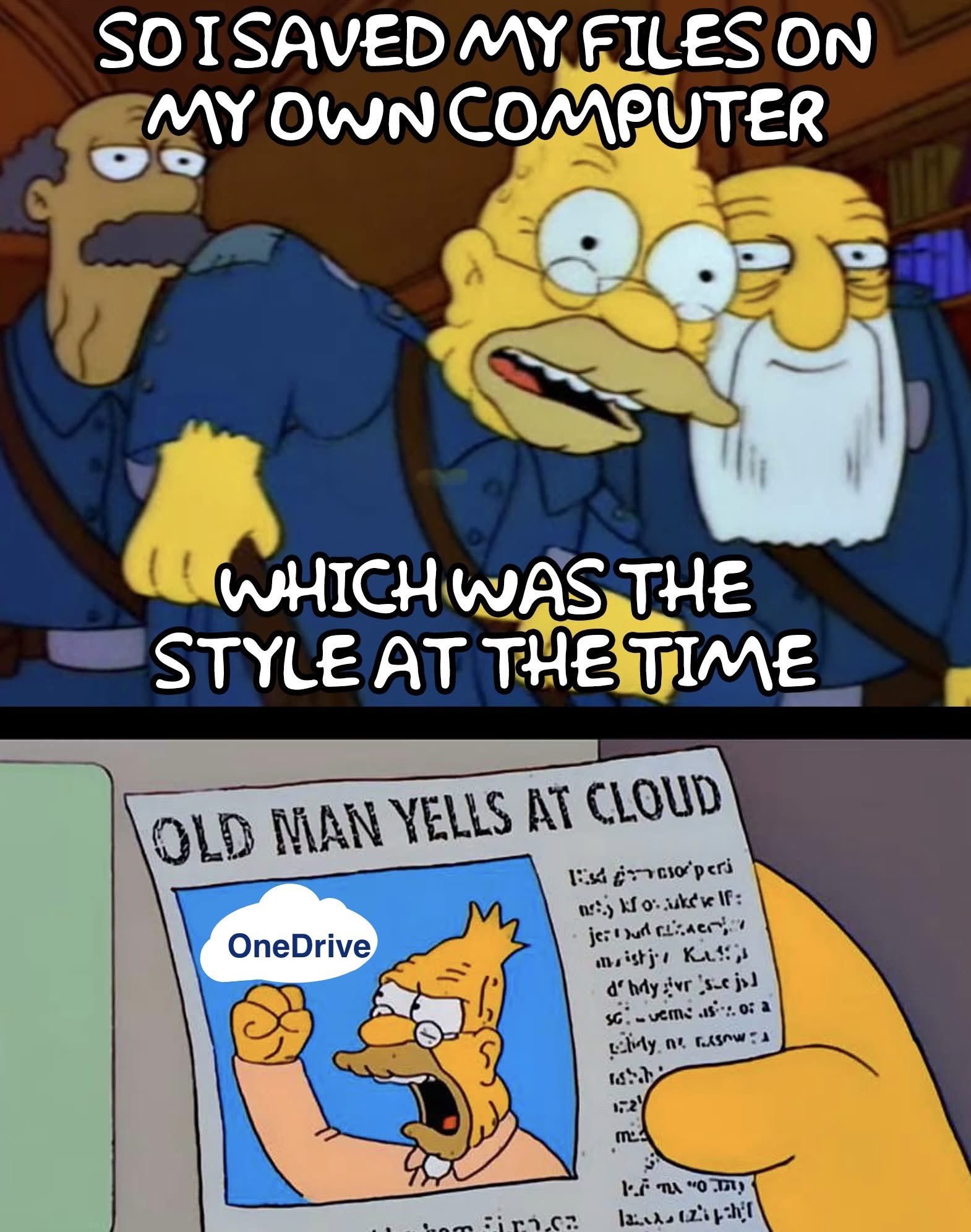
I’ve said it once and I’ll say it again. It’s not cloud storage. It’s just someone else’s computer.
Head-in-the-cloud storage.
I still like to imagine all my files being up in a cloud in the sky. There’s so much infinite fluffy white space up there.
I’m still railing against proprietary phone apps.
We made HTML5, JS, CSS into open standards FOR A REASON
You’re not alone, friend. To paraphrase Doctorow, an app is just a website that’s a felony to alter. If a company puts a service behind an app that they don’t also make available via web, I am either learning to do without that service or looking for foss alternatives. I really don’t care about someone’s grandpa finding it easier to use an app, fuck you stop using old people to justify killing the web, give me a functioning website.
Do you mean This PC?
Self hosted nextcloud server go brrrrr
Copying my videos from my phone to my external harddrives as I type this
Strip it out.
https://github.com/Raphire/Win11Debloat
I find windows intolerable if I don’t run that and turn half the shit off.
onedrive? more like nonedrive!
the sync shit for it is so bad you’ll end up with nothing.
1.File.
2.Save as.
3.Pick a destination where you want to save the file.
- Hit the “save” button.
5.Feel the more fuzzy feelings inside as you learn something new and shake off the bondage of tech illiteracy.
You must be aware that they made OneDrive the default location to save files. The ‘Save as’ dialog box now proposes OneDrive as the default location. So it’s more steps than before to achieve the same thing, just because we have to ‘go around’ OneDrive.
It’s not a question of not knowing how to do it, it’s a question of now being forced to go around their crap, shoved in our faces.
https://support.microsoft.com/en-gb/office/save-a-document-b7f55d8c-d714-4892-8fde-853a82419027
My guy. The save locally option is literally two boxes down.
It’s literally the same layout and format as previous versions, just instead of documents as default it’s OneDrive. (Something that can be changed very easily)
This is just a case of people looking for something to be upset about.
They didn’t seriously do that?
Since when does that happen? Also, on professional/enterprise versions?
Of course they did that, they are Microsoft. You will do what they want, for easiness and convenience.
They started doing that in 2019 for all the the Office products. Here is the official annoucement. Now every Office installation that is up to date will force users to use OneDrive as the default save location. Even Office 2016. They are retroenshittifying.
People should give some Linux distro a try nlinux mint is easy to install and I think easy to use.
I switched in October to Mint and have had very few issues with it. I’m not particularly experienced when it comes to programming and found it pretty straighforward.
I had one sound issue which was fixed in about half an hour with some googling, one with a set of flight pedals not working and a game that won’t work with Windows users in multiplayer.
The only one causing me a real issue is the game one, it has taken me hours of searching with only partial fixes.
Overall I think the OS is great and the issues are small teething things, learning the small programing that it has required has made me feel more confident too since there is tons of documentation to help online.
I had to start using macos for work and it also took me a few hours to solve the setup problems. But it wasn’t even to launch games or app. It was just to make simple things working, like my keyboard layout, multi monitors support, windows snapping or multiple desktops. In the end I ended up having to spend some money in addition to the time, so yeah, Linux is not that complicated. (And I’m not even comparing it to Windows)
Even with all the hacky annoyance CachyOS gives me, it is so refreshing not to get OneDrive or Copilot shoved on me in every window.
How does one give it a try? Honest question
If I want to maintain my Windows computer, do I need a new computer?
If I was already looking for a laptop, do I just buy the cheapest one and reformat? Does Distro utilize Touch Screen?
If I want to maintain my Windows computer, do I need a new computer?
You don’t need a new computer, but Microsoft’s influence in the industry made it really inconvenient to run any other operating system alongside Windows on the same PC.
When you start, you need to change some BIOS settings to be compatible with both Windows and Linux. More annoyingly, every time you switch between them you’ll have to change tbe Secure Boot option. Turn it off before booting into Linux and turn it back on before booting into Windows. There are workarounds to that, but they’re not beginner friendly.
You also can’t install both Windows and Linux on the same drive. Windows likes to “repair” itself from time to time, which ends up breaking the Linux boot loader.
If I was already looking for a laptop, do I just buy the cheapest one and reformat? Does Distro utilize Touch Screen?
ThinkPads have a good track record with Linux support.
Hardware with niche features (like multiple screens on a laptop) will be less likely to have drivers for those features on Linux.
Touch screens don’t have a standardized way of connecting to a computer, so support will vary and you’ll need to Google it to find out if some laptop model is supported. If it is, pick any distro that uses KDE Plasma or GNOME for its desktop environment and you’ll be fine. If you’re coming from Windows, I would recommend Plasma over GNOME.
Not every Linux distribution supports Secure Boot, but almost all of them do. No need to toggle it depending on your boot target. Dual booting with secure boot works just fine.
With a bootloader signed using Microsoft keys, or a bootloader that needs a MOK to be set up to install third-party keys in the Secure Boot database?
I did the latter and it was a pretty annoying process that would scare away beginners—hence me saying a “workaround” was possible. I’m not using a common distro like Fedora or Ubuntu, though. Is setting it up less painful on those?
I’m using Fedora. Works out of the box. You need to add a MOK if you want to use custom kernel modules (or the current Nvidia drivers). But using the nouveau driver or just a standard installation of not using Nvidia hardware works flawlessly without MOK.
Im using Nvidia. The initial import of the MOK is a bit… strange or scary for non tech people, but afterwards, akmods makes it a breeze. You don’t have to think about it. With Fedora 42, akmods regularly failed to build the driver’s and I had to restart the build manually after a kernel upgrade, but since I upgraded to Fedora 43, it just works.
If I want to maintain my Windows computer, do I need a new computer?
You can install Linux alongside Windows if you have the disk space to spare (a whole separate ssd/hard drive, a free disk partition on your existing drive, or you can split an existing Windows partition).
For experimenting, you can also use a virtual machine (like VirtualBox). Note that you might not get the best possible performance this way. Most Linux distros also have live systems, which means you can boot them from USB stick and use them before you actually install them.
If I was already looking for a laptop, do I just buy the cheapest one and reformat?
Don’t waste money on the cheap junk - just get a used laptop!
Does Distro utilize Touch Screen?
Haven’t tried. Probably!
You can get USB Image Writer and make a bootable USB of Mint. So you can try it from the USB and even if you choose to install you can choose dual boot so when you turn on your computer you can choose the system you want.
I do this because Battlefied, it’s the only reason I have windows partition, but my day to day I am using Mint… and at work macOS…
I think it’s also a good practice to be able to use any OS… look this guide it might help https://linuxmint-installation-guide.readthedocs.io/en/latest/burn.html
The first thing I did when I got my pc was to uninstall OneDrive and set Proton as my cloud backup. Somehow, it seems my computer reverted my settings without my knowledge.
I use nextcloud, so now I can save things in the cloud and the cloud is my computer 😅
I used to have a copy of my files, then the EULA changed and I didn’t know where the copy was.
It’ll happen to you!
Holy shit, punniest meme I’ve see on Lemmy. xD
I knew a guy who saved everything on USB sticks because back in the day, internal storage was negligible
When internal storage was negligible, USB sticks barely existed. The first one I bought was 64 MB. It seemed huge at the time to have an easily rewritable external storage that was bigger than the 1.44 MB of a floppy.
Yes, he’s used to external storage in general and instead of switching to internal storage, he went from floppy to CD to USB sticks.
Meanwhile, I reinstalled LibreOffice on my Linux desktop even though I currently have no need for an office suite. And my work machines aren’t actually mine, so I don’t give a fuck what Microslop does to break shit.
The problem with a Windows machine in your house that isn’t yours, is that it’s still reporting “telemetry” about it’s environment back to it’s true masters.