

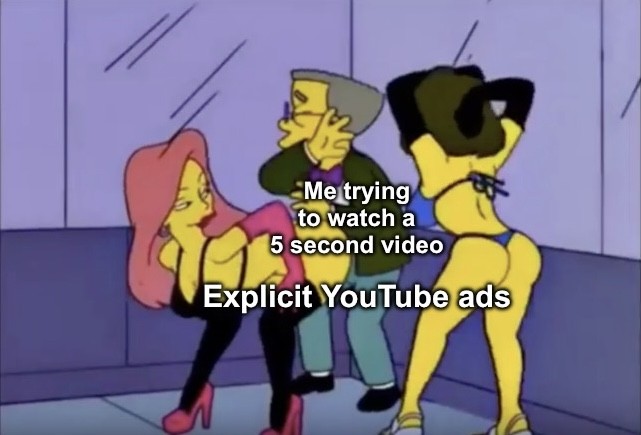
Before you say it: I do use Adblock on my computer but sometimes YouTube updates their site to make those not work, and sometimes I browse on my phone which doesn’t have Adblock
Before you say it: I do use Adblock on my computer but sometimes YouTube updates their site to make those not work, and sometimes I browse on my phone which doesn’t have Adblock
No criticism, just curious: why no ad block for the phone?
All I know is YouTube has more advanced ad delivery methods than DNS blocklists can filter, so you need client-level blocking. This only works if you use browser plugins or 3rd party client apps. YouTube’s first party app will always have ads.
Please correct me if I’m wrong, this is just my understanding.
It sounds like you have a level of understanding beyond me. I just have have browser ad blocking.
I don’t know how, my phone is old-ish and almost out of storage space, and I’d like to replace it with a new phone when I can decide on what suits my needs and I can splurge the money on it
Edit: also, most of the time I can just refresh the page on my phone and the pre-video ad on YouTube goes away. This doesn’t work for mid-video ads, which I just got in the middle of a song on YouTube 🙃
That makes sense. Firefox has some good extensions, if you just want it browser-based on your phone, and f-droid has some whole-phone options. Just FYI in case you’re able to take advantage of one now or at some point in the future.
Edit: Also, does your phone have an SD card slot? If so, that can be an inexpensive way to boost storage and get more life out of your phone.