Can you have different taskbar setup depending on the number of monitors and have it change automatically when you connect/disconnect external monitors?
I’m on X11 and I do it in Awesome WM with couple of lua scripts. I tried doing it with KDE on Wayland and it didn’t have some of features Awesome has do I went back to X11.
Yes. Furthermore, each taskbar is entirely separate from each other. That means I can have one on the left side of my main monitor, and another on the right side of my secondary monitor, and I can pin entirely different things to each one, because I use each monitor differently. And then I spent hours changing the exact colors and icons and all that, there’s plenty of fun to be had


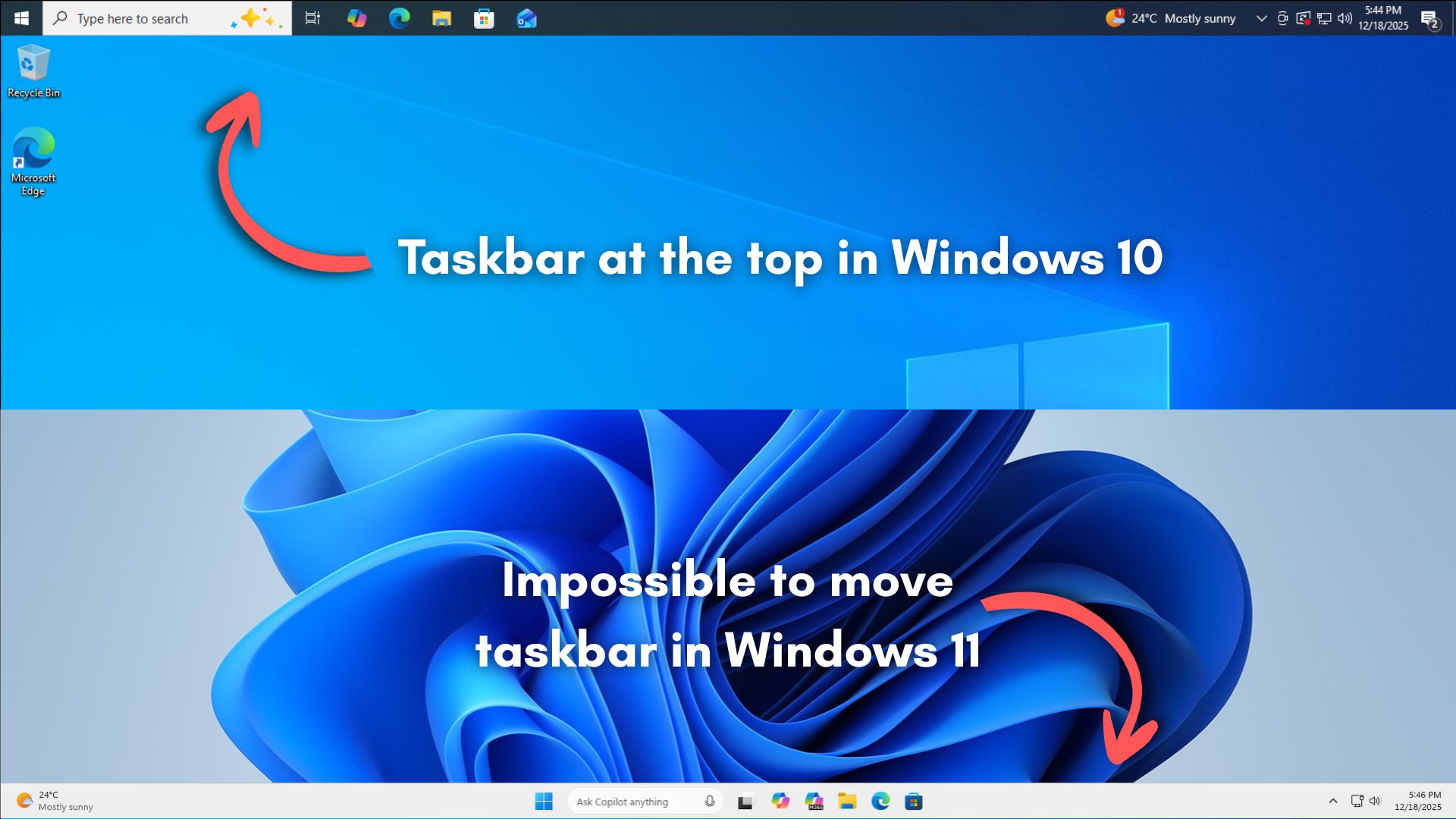
Can you have different taskbar setup depending on the number of monitors and have it change automatically when you connect/disconnect external monitors?
Yes, my work laptop has this with a 1, 2 or 3 monitor setup. It adapts as it detects the screens.
Of course it does! Linux rules.
Since Wayland. Therefore it could be a X11 mess.
I’m on X11 and I do it in Awesome WM with couple of lua scripts. I tried doing it with KDE on Wayland and it didn’t have some of features Awesome has do I went back to X11.
Yes. Furthermore, each taskbar is entirely separate from each other. That means I can have one on the left side of my main monitor, and another on the right side of my secondary monitor, and I can pin entirely different things to each one, because I use each monitor differently. And then I spent hours changing the exact colors and icons and all that, there’s plenty of fun to be had