Does jellyfin have an easy way for remote streaming? I have a couple dozen people on my Plex server, most not very tech savvy, so setting up tailscale and running remote that way isn’t an option. I have a Plex pass so I haven’t been screwed by Plex yet, so I’m not rushing to get out, but I could see myself running both.
Yes-ish, it’s harder for you than the users. But you will have to secure a URL and they will have to remember that URL. Also there’s some security issues with some unsecured endpoints on Jellyfin. That said I have mine out there exposed to the net and am comfortable enough with it.
So I don’t get it, I have mine up with a domain without tsilscale… The clients are quite happy wherever. I don’t even see that much “crawling” traffic that goes to the domain, most just hit the server by ip and get a static 401 page that the “default” site is hard coded to give out.
All possible, but currently I have lifetime Plex pass and just need to share with people I want to share with. No extra config. Once Jellyfin can do that or something similar, I’ll look at jumping ship. Until then, the juice isn’t worth the squeeze.
Fair enough. I doubt Jellyfin will ever offer something like that. Its designed to be completely self hosted and not rely on a central server, which I dont see changing.
Once Jellyfin does that then it’ll be time to look at jumping ship to something else, because that’ll be the indication that Jellyfin is going down the same road as Plex.
The first one, yes. That’s what I do. But IIRC hosting media via cloudflare tunnels goes against the TOC and they reserve the right to ban users over it
They changed their TOC a while ago, the only thing they have in there now is boiler plate stuff about not hosting pirated content.
https://www.cloudflare.com/en-gb/terms/You agree not to, and not to allow third parties touse the Services to ... post, transmit, store or link to any files, materials, data, text, audio, video, images or other content that infringe on any person’s intellectual property rights or that are otherwise unlawful;
I just set up a cache rule to ignore my jellyfin subdomain and they won’t ever care about me and my half dozen users.
I moved away from plex as well. I do have remote access but had to set up Tailscale on the accounts that access it. It’s a bit of a hassle initially but works well.
I set mine up with HAProxy for TLS offloading and ACME for the server cert. Restrict your access to just your country/region by GeoIP and you are pretty good to go.
In case this helps, for me when I use it on Android TV with said TV’s remote, the arrow buttons on the direction pad for anything require pressing play/OK button after. But if I use the fast forward buttons, it does seek and then just keeps playing.
Agreed! I stayed with Plex for a long time because Jellyfin had a rough time with live TV (antenna) and I already had a PlexPass because of a sale a long time ago. Now Plex is only still running because I love Plexamp.


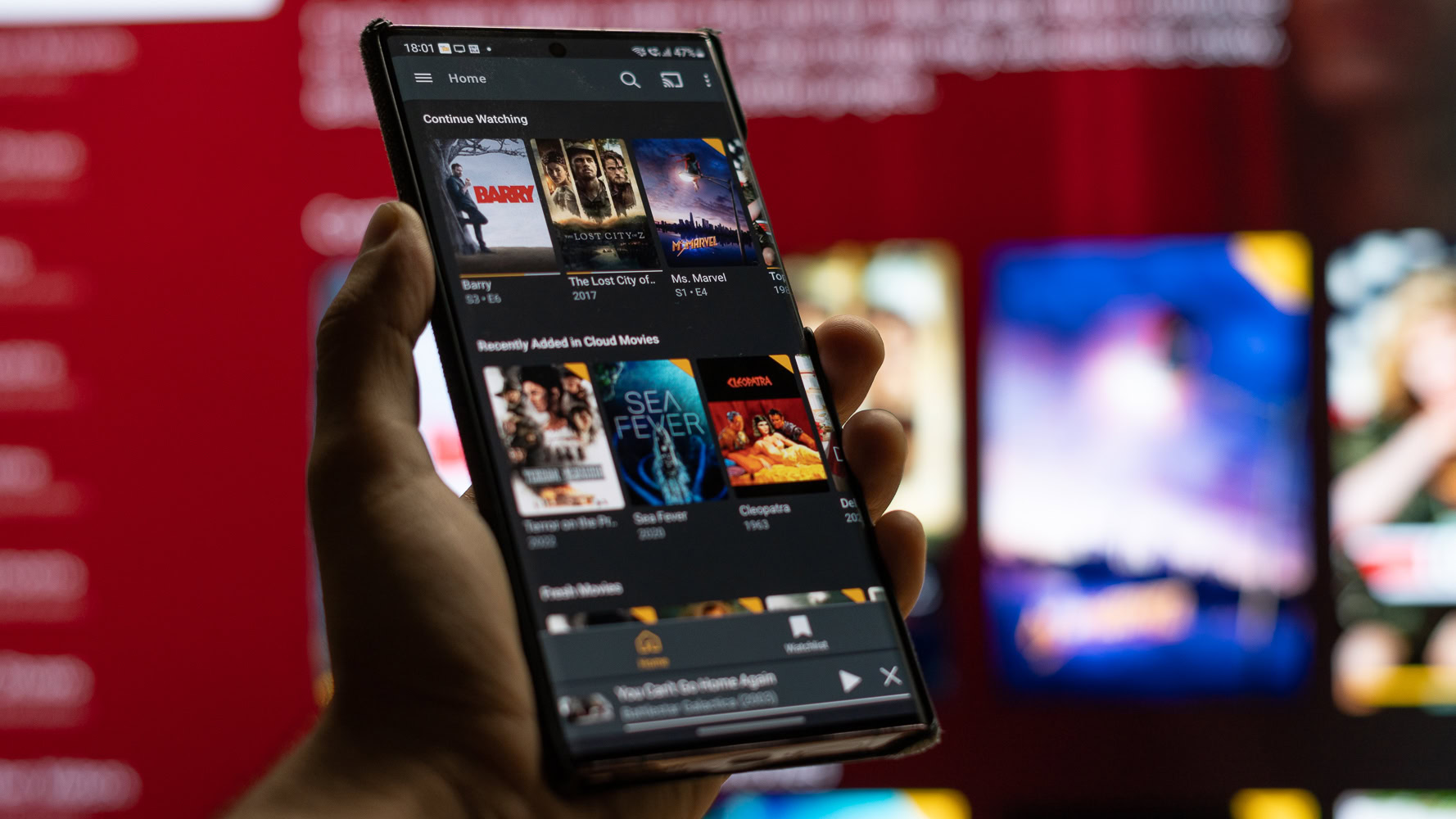
Jellyfin is great :D
Does jellyfin have an easy way for remote streaming? I have a couple dozen people on my Plex server, most not very tech savvy, so setting up tailscale and running remote that way isn’t an option. I have a Plex pass so I haven’t been screwed by Plex yet, so I’m not rushing to get out, but I could see myself running both.
Yes-ish, it’s harder for you than the users. But you will have to secure a URL and they will have to remember that URL. Also there’s some security issues with some unsecured endpoints on Jellyfin. That said I have mine out there exposed to the net and am comfortable enough with it.
I have mine behind a caddy reverse proxy that forces https. I think that handles most sniffing concerns
no, tailscale is still the easiest option.
Bummer… unfortunately, that’s a deal breaker for me to completely drop Plex. Maybe someday.
Removed by mod
Removed by mod
So I don’t get it, I have mine up with a domain without tsilscale… The clients are quite happy wherever. I don’t even see that much “crawling” traffic that goes to the domain, most just hit the server by ip and get a static 401 page that the “default” site is hard coded to give out.
You could just get a domain and set up a reverse proxy. Or use Cloudflare tunnels.
All possible, but currently I have lifetime Plex pass and just need to share with people I want to share with. No extra config. Once Jellyfin can do that or something similar, I’ll look at jumping ship. Until then, the juice isn’t worth the squeeze.
Fair enough. I doubt Jellyfin will ever offer something like that. Its designed to be completely self hosted and not rely on a central server, which I dont see changing.
Once Jellyfin does that then it’ll be time to look at jumping ship to something else, because that’ll be the indication that Jellyfin is going down the same road as Plex.
The first one, yes. That’s what I do. But IIRC hosting media via cloudflare tunnels goes against the TOC and they reserve the right to ban users over it
They changed their TOC a while ago, the only thing they have in there now is boiler plate stuff about not hosting pirated content.
https://www.cloudflare.com/en-gb/terms/
You agree not to, and not to allow third parties to use the Services to ... post, transmit, store or link to any files, materials, data, text, audio, video, images or other content that infringe on any person’s intellectual property rights or that are otherwise unlawful;I just set up a cache rule to ignore my jellyfin subdomain and they won’t ever care about me and my half dozen users.
Oh that’s good news! I really only use it for myself, so that sounds like I can stream my music without worrying
I moved away from plex as well. I do have remote access but had to set up Tailscale on the accounts that access it. It’s a bit of a hassle initially but works well.
I set mine up with HAProxy for TLS offloading and ACME for the server cert. Restrict your access to just your country/region by GeoIP and you are pretty good to go.
I’d love Jellyfin if not for their incredibly infuriating seek behaviour. Why do I have to press play to start the video again?
In case this helps, for me when I use it on Android TV with said TV’s remote, the arrow buttons on the direction pad for anything require pressing play/OK button after. But if I use the fast forward buttons, it does seek and then just keeps playing.
For me I just want a fast forward button. They have something they call fast forward, but it seeks instead.
Agreed! I stayed with Plex for a long time because Jellyfin had a rough time with live TV (antenna) and I already had a PlexPass because of a sale a long time ago. Now Plex is only still running because I love Plexamp.
Dude, yeah. Plexamp had me keeping my server up far longer than I should have.
deleted by creator
No, it’s not.
Here’s what you all sound like every time this comes up.
No shot you linked to fucking sora