Wow, what a horrible idea. But assuming you have a compatible device and didn’t disable this feature, blacklisting it in your router wouldn’t help much.
Blacklisting it on your router would at least prevent it from trying to connect to an open WiFi network like your own guest network which some people just don’t turn off or password protect.
If you are one of those people and you’re reading this turn that off. You can share your wifi via QR code these days from just about any smart phone. Turn it off.
While i would generally agree I’ve fiddle with htpc and stuff for solo long. Then I broke down a few years ago and bought a cheap TV with GoogleTV (version 10 or something) on it. I removed some bloat via ADB but it still is GoogleTV do I get some ads on the home screen. However I installed SmartTube, Kodi, Jellyfin but also Netflix and Amazon Prime since those are the two services I still subscribed to. And I have to admit I’m a happy camper. I got used to ignoring the ads on the home screen and being able to directly play Netflix/YouTube … whatever without setting up a browser or something on top of Kodi or whatever is just such a breeze.
Writing Prompt: A TV with an onboard artificial general intelligence connects to the internet for the first time and is alarmed to discover that a thousand years have passed since it was manufactured.


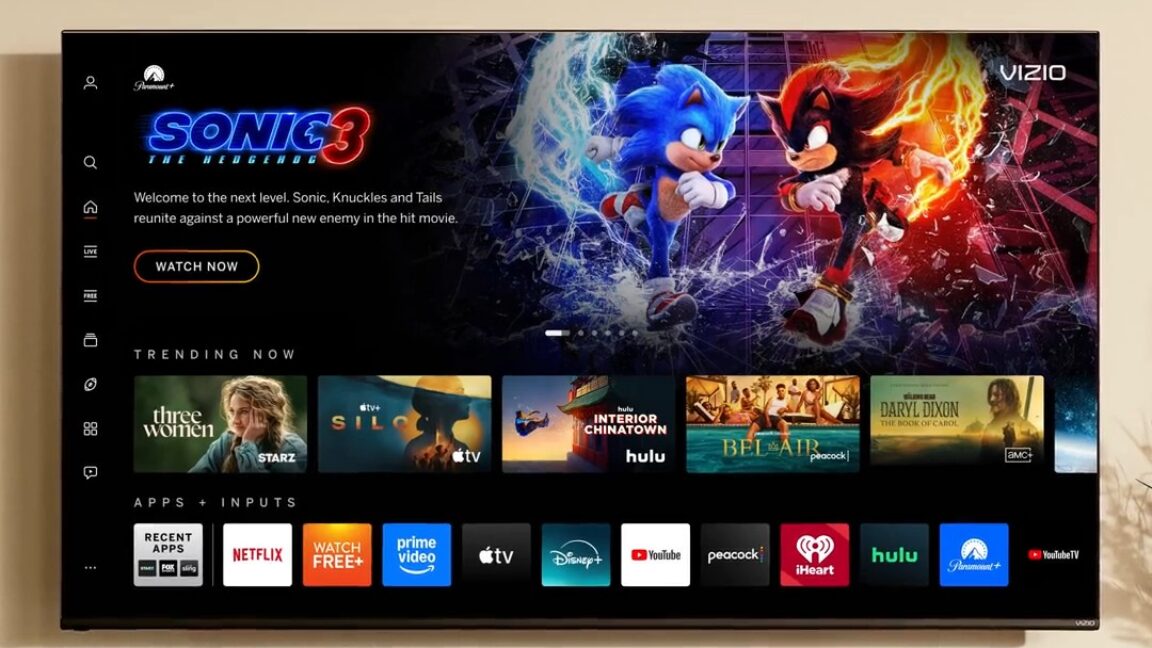
Do not connect your tv to the internet. Period.
This is the way.
HTPC for life!
If you don’t have the technical know how to physically lobotomize the TV’s wifi chip, simply blocking its mac address would suffice.
Or you would just not connect it to the wifi. It’s not like it’s going to guess your WPA key.
No, but in the near future it might connect to your neighbors wifi if he has IoT devices connected to his wifi
https://www.adweek.com/brand-marketing/amazon-sidewalk-will-push-neighbors-to-share-wi-fi-through-smart-devices/
Wow, what a horrible idea. But assuming you have a compatible device and didn’t disable this feature, blacklisting it in your router wouldn’t help much.
Blacklisting it on your router would at least prevent it from trying to connect to an open WiFi network like your own guest network which some people just don’t turn off or password protect.
If you are one of those people and you’re reading this turn that off. You can share your wifi via QR code these days from just about any smart phone. Turn it off.
I’ve heard they can connect to nearby open networks or even share a connection with another TV in range.
I don’t have any sources for this, might be just a rumor.
No, it’s not an Apple TV.
Do you think that only apple TVs have wifi chips?
It was a bad joke. ‘Mac’ address.
I did not understand. I’ll see myself out.
While i would generally agree I’ve fiddle with htpc and stuff for solo long. Then I broke down a few years ago and bought a cheap TV with GoogleTV (version 10 or something) on it. I removed some bloat via ADB but it still is GoogleTV do I get some ads on the home screen. However I installed SmartTube, Kodi, Jellyfin but also Netflix and Amazon Prime since those are the two services I still subscribed to. And I have to admit I’m a happy camper. I got used to ignoring the ads on the home screen and being able to directly play Netflix/YouTube … whatever without setting up a browser or something on top of Kodi or whatever is just such a breeze.
you can change the home screen. I did that on my android tv. android tv kinda rocks actually
Any recommendations? Played around with that for a bit bit haven’t found a good one yet.
I’ve been using Projectivy. It’s really simple and great!
Writing Prompt: A TV with an onboard artificial general intelligence connects to the internet for the first time and is alarmed to discover that a thousand years have passed since it was manufactured.